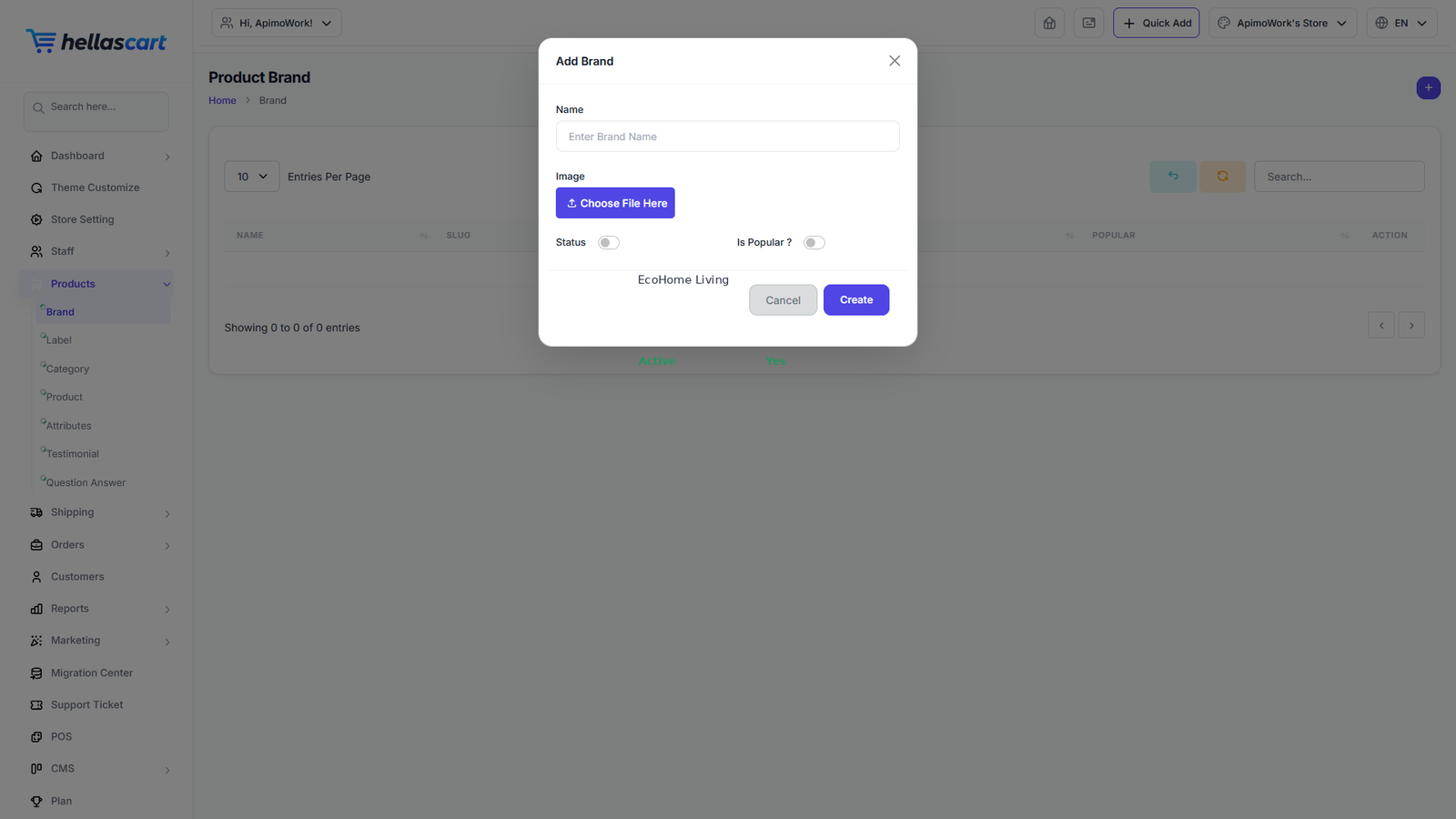
Brands are the makers of your products (for example "Nike"). Adding brands lets customers filter your catalogue by the brand they trust.
Create a brand
- Open Products → Brand → Create.
- Enter the brand name and upload its logo.
- Click Save.
TipMark your top brands as Popular so they can be featured on the storefront and in the brand logo strip.
Best PracticeOnly the brands that actually have products in a category appear in that category's filter — so keep brand names consistent and assign each product to the correct brand.