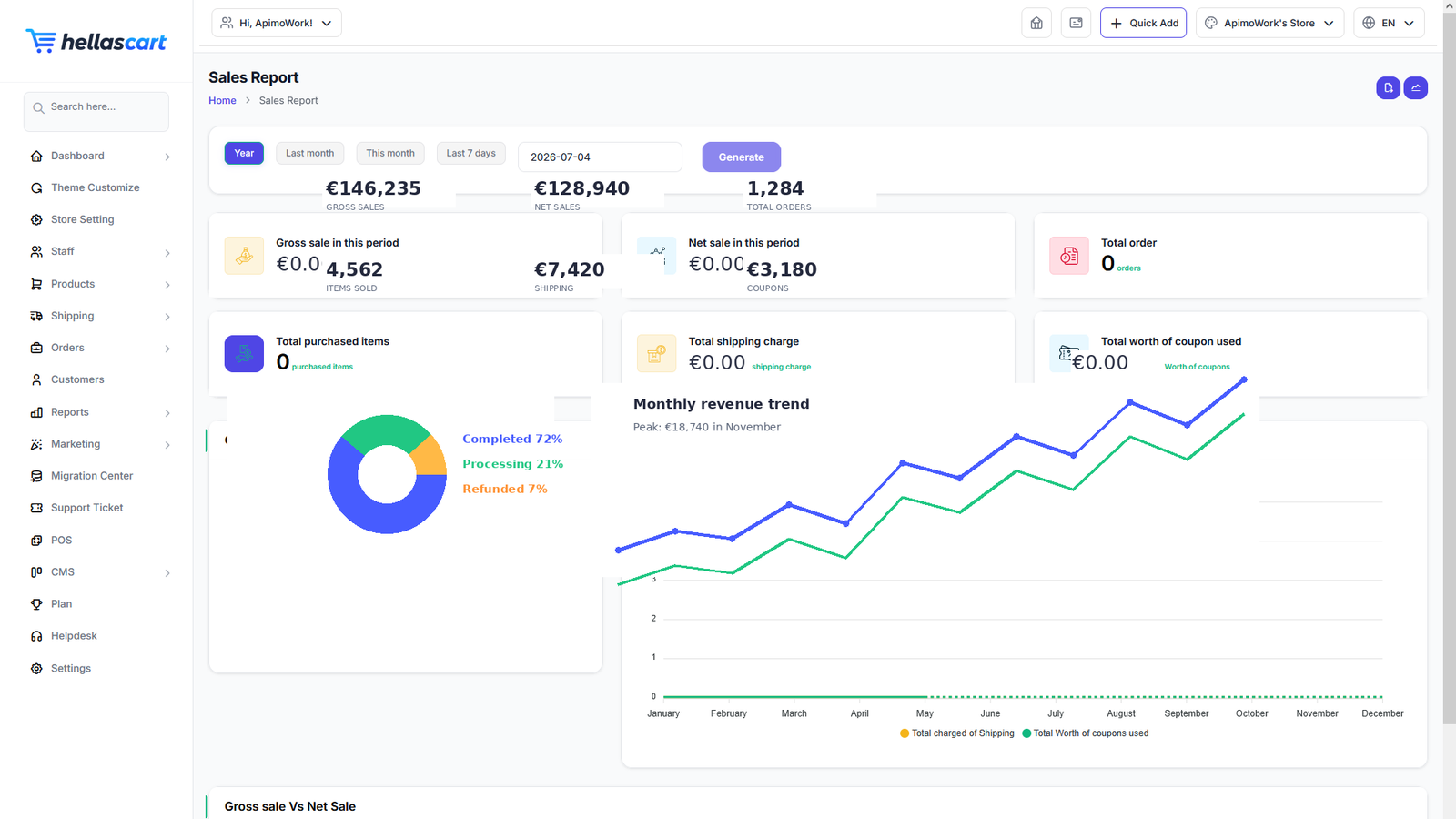
Reports turn your data into decisions. You will find sales, revenue, product, customer and stock insights under the Reports menu.
Sales & revenue
- Open Reports → Order Reports → Sales Report.
- Choose a date range.
- Read the chart and totals, and Export if needed.
Drill deeper with the Product, Category, Brand, Country and Order-Status reports to see exactly where your revenue comes from.
TipCompare months to spot your busy seasons, and use the Category and Brand reports to decide what to restock.
Products, customers & stock
- Top Sales Reports — your best-selling products. Feature these on your homepage.
- Customer Reports — who buys and how often.
- Stock Reports — low, out-of-stock and most-stocked items.
Best PracticeCheck your Stock Reports weekly so you never sell out of a best-seller. Let the data guide your buying, promotions and homepage layout.