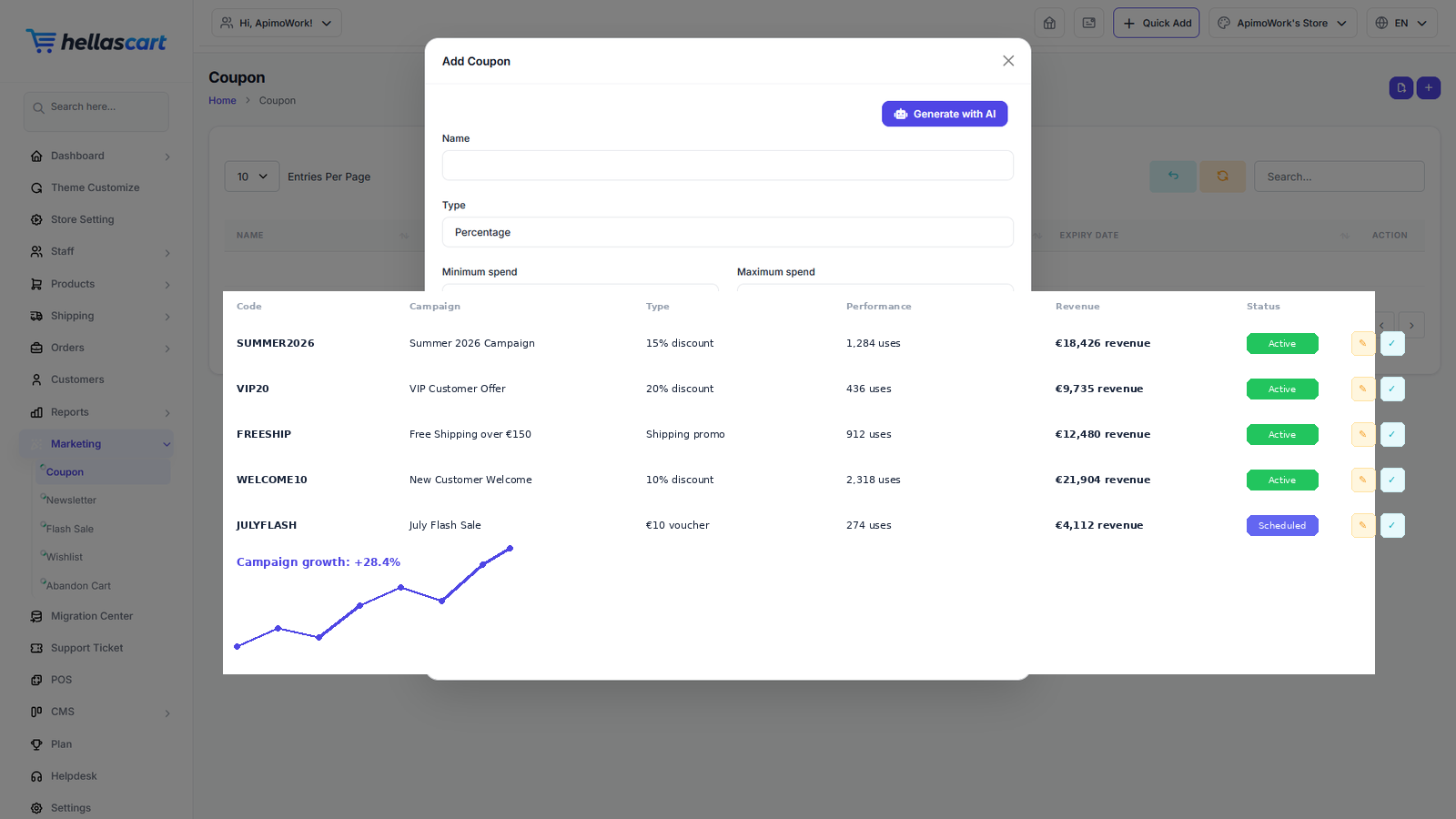
Marketing tools help you sell more: coupons, flash sales, newsletters, wishlists and abandoned-cart recovery. Find them all under the Marketing menu.
Coupons
- Open Marketing → Coupon → Create.
- Set the code, discount type (% or fixed) and any usage limits.
- Set start and end dates.
- Click Save.
Flash sales
- Open Marketing → Flash Sale → Create.
- Pick the products and the discount.
- Set the start and end time, then enable it.
TipPromote your flash sale on your homepage and in your newsletter for maximum impact. Limited-time codes create urgency that drives sales.
Newsletter, wishlist & abandoned cart
- Newsletter — view and export your subscriber list for your email tool.
- Wishlist — see what customers saved and send a reminder.
- Abandon Cart — see carts left unpaid and email or message the customer.
Best PracticeA gentle abandoned-cart reminder within 24 hours recovers a surprising number of lost sales. Use a sale price for permanent markdowns and coupons for time-limited promotions.