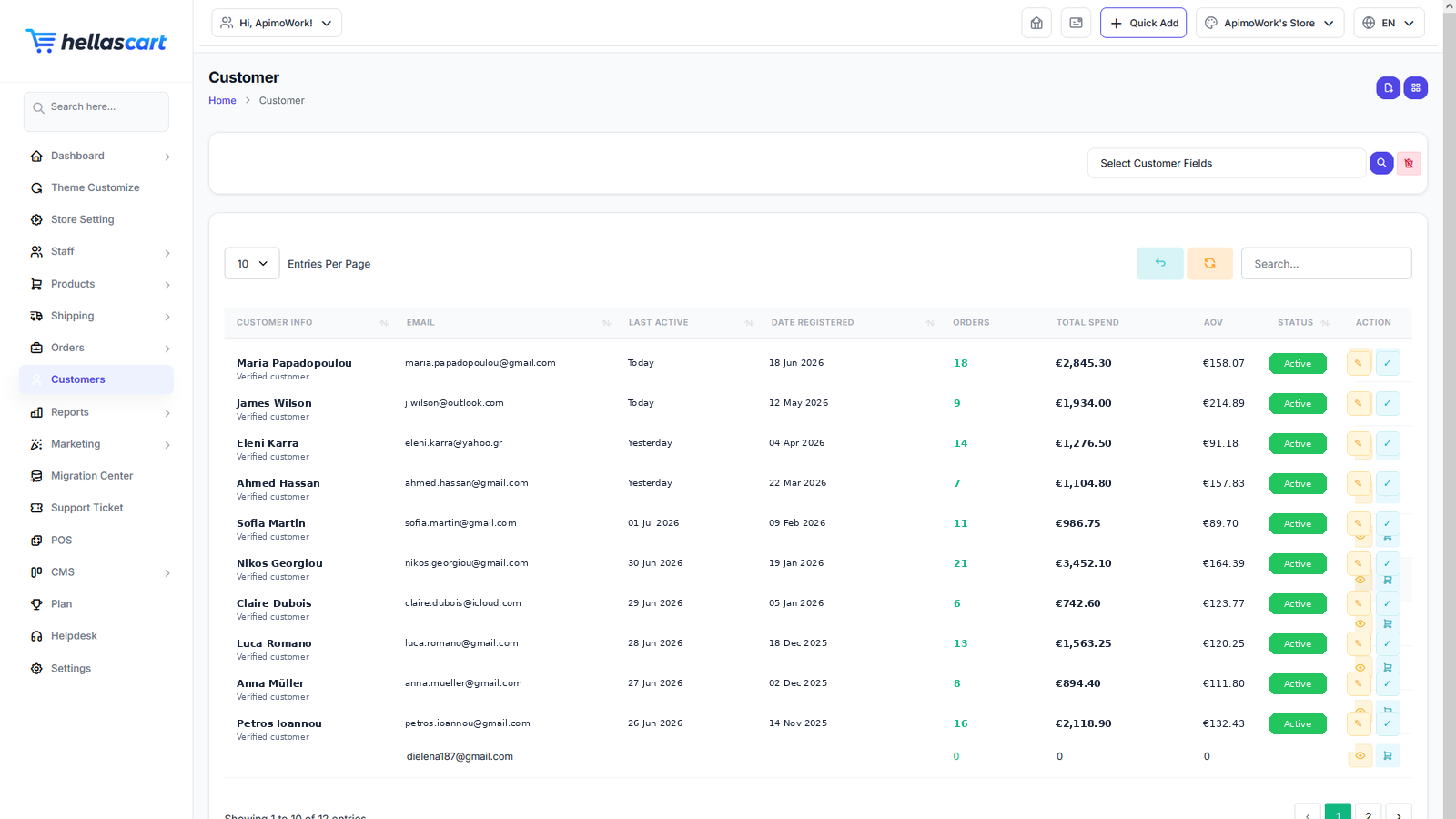
Everyone who registers or buys from your shop appears under Customers. Use it to understand and support your buyers.
The customer list
- Open Customers.
- Search or filter the list.
- Click a customer to view their full profile.
TipSwitch between list and grid view for a visual overview of who is buying from you.
Groups, addresses & activity
- Groups — segment customers (for example wholesale vs retail) to treat them differently in pricing or marketing.
- Addresses — view a customer's saved shipping and billing addresses. Confirm the address before shipping expensive items.
- Activity / Timeline — see a history of the customer's orders and key events.
Best PracticeCheck a customer's activity before offering a loyal buyer a special deal — it helps you reward the people who matter most and personalise your outreach.