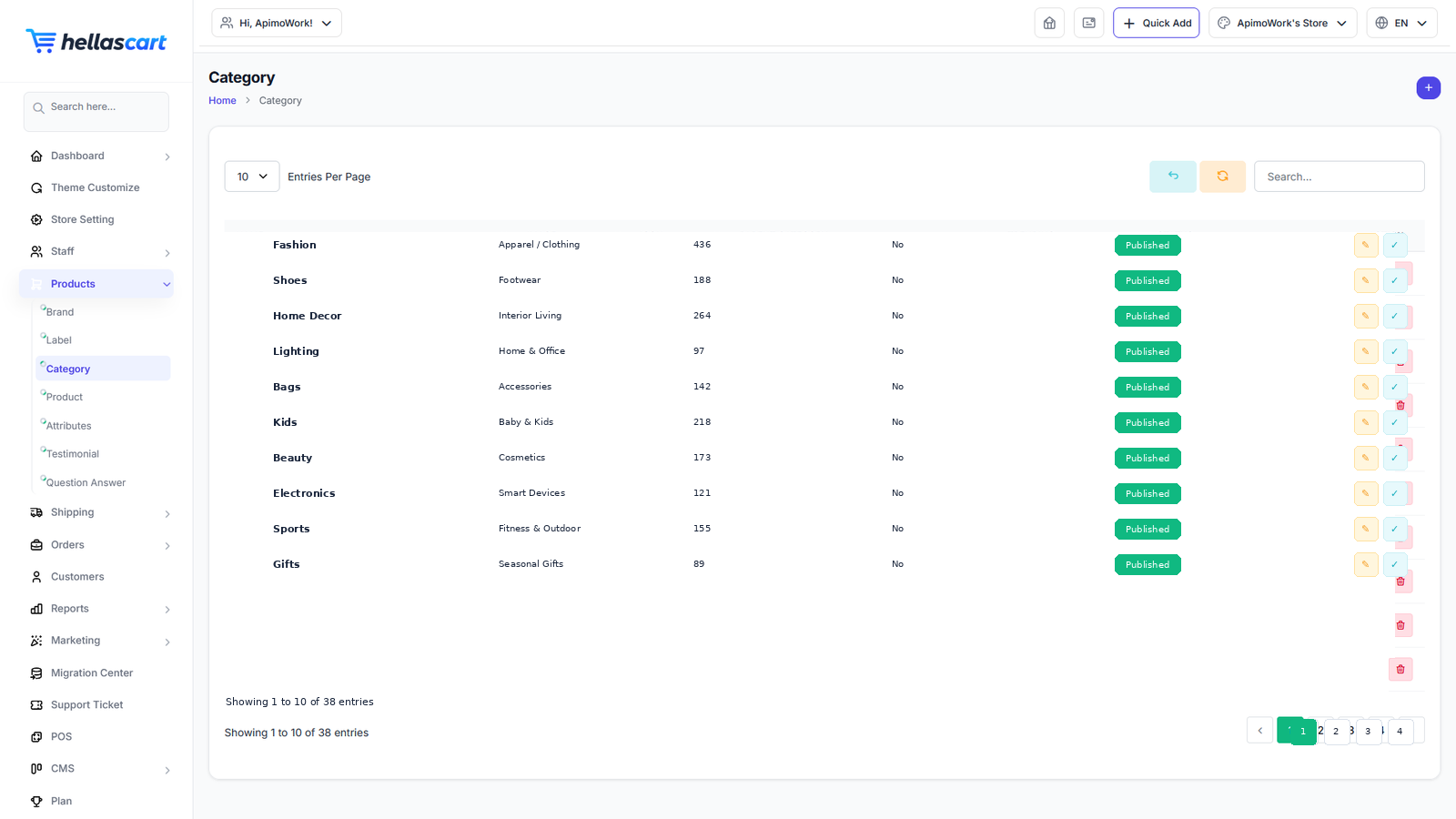
Categories group your products so customers can browse easily — for example "Men", "Women" and "Accessories". Categories can have sub-categories.
Create a category
- Open Products → Category → Create.
- Enter the name and, optionally, a parent category.
- Upload a category image.
- Set the status to active and click Save.
TipA parent category with sub-categories shows subcategory cards on the storefront; a leaf category shows products with filters. Plan your structure before adding many products.
Best PracticeKeep categories to two levels maximum — a parent and its children — so customers never get lost. Clear categories also keep your navigation menu short.
WarningDeleting a category does not delete its products, but those products will lose their grouping. Re-assign them to another category first.