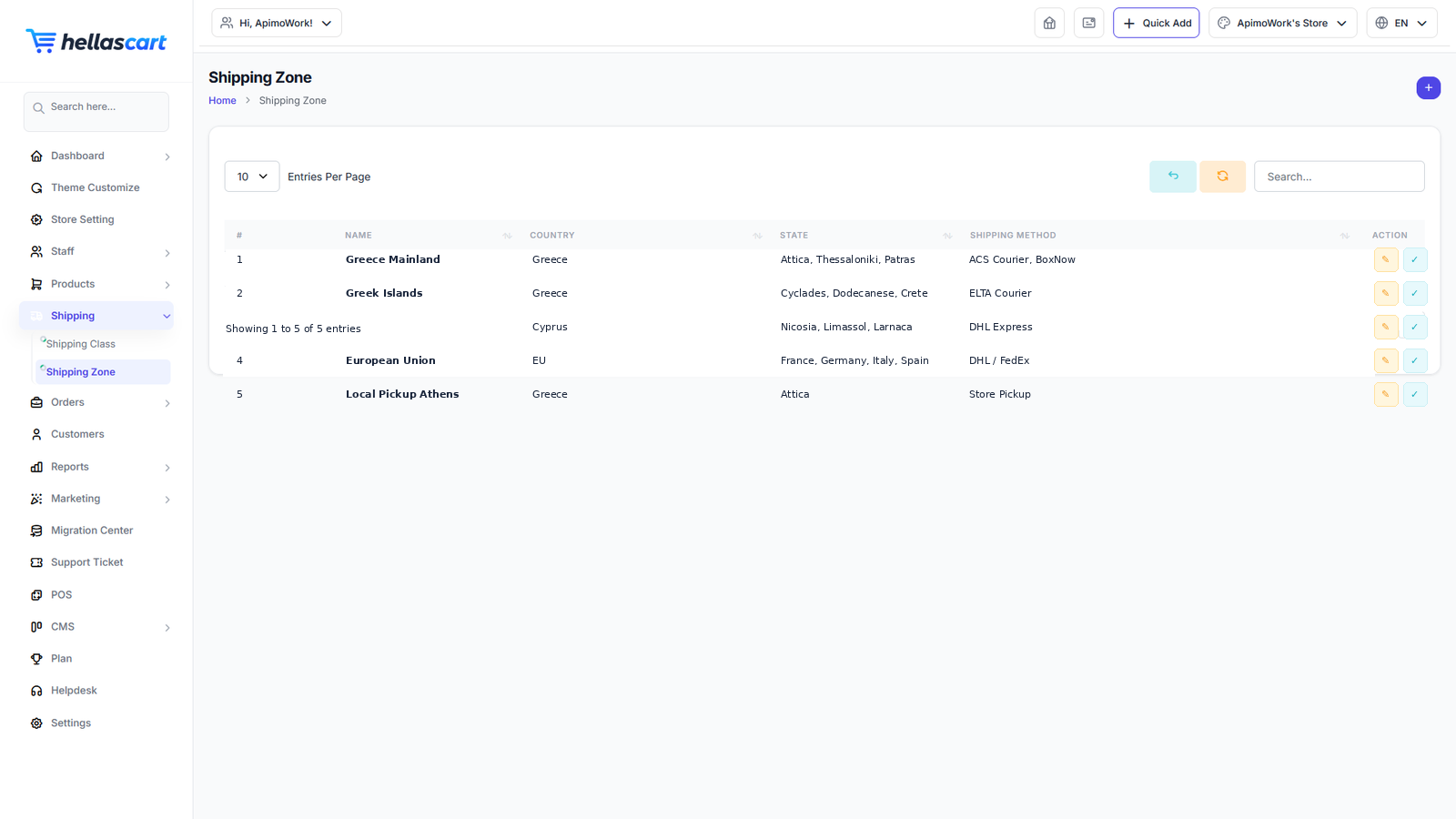
Shipping in HellasCart is built from Shipping Classes, Shipping Zones and Shipping Methods & Rates. Set these up so customers see the correct delivery cost at checkout.
Create a shipping zone
A zone is a group of places you ship to — for example "Greece" or "Europe".
- Open Shipping → Shipping Zone → Create.
- Name the zone and choose its countries or states.
- Click Save.
Add a shipping method & rate
- Open the zone and click Add Shipping Method.
- Choose the type — flat rate, free shipping, local delivery or a courier such as Box Now.
- Enter the cost, or the free-shipping minimum spend.
- Click Save.
TipOffer free shipping above a spend threshold (for example over €50) to encourage larger orders.
Shipping classes & tracking
- Shipping classes group products that ship the same way (for example "Bulky") so they can share a rate.
- Tracking — when you ship an order, add the tracking number on the order page; it appears in the customer's order and shipping email.
Best PracticeMatch your rates to your real courier costs so you never lose money on delivery. Start with your home country, then add wider zones as you grow.