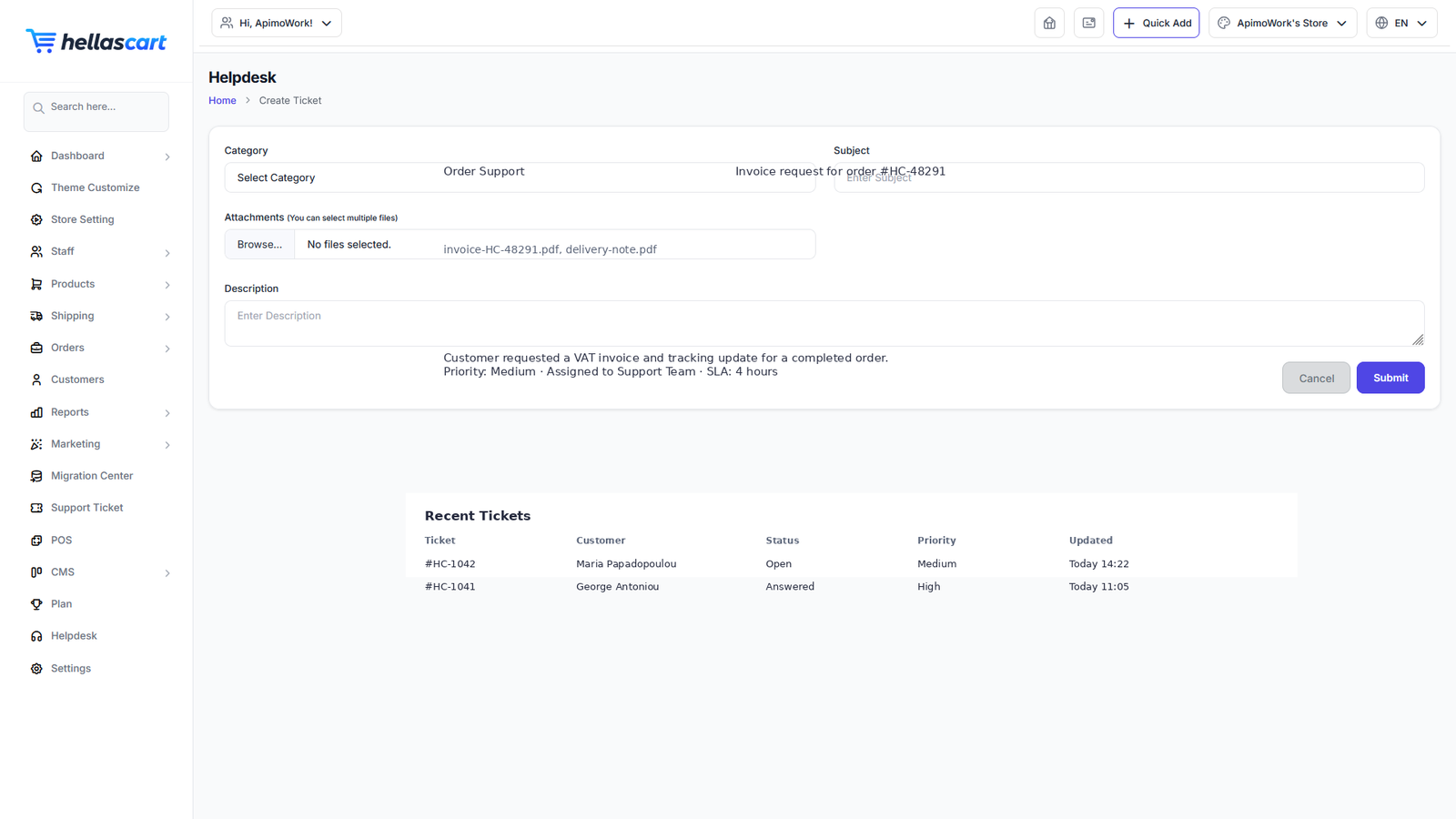
When you need help, open a Support Ticket. It keeps the whole conversation in one place until your issue is solved.
Open a ticket
- Open Support Ticket → Create.
- Enter a clear subject and description.
- Choose a category or priority if asked.
- Click Submit.
Best PracticeKeep to one issue per ticket — it gets solved faster. Include your store name, the page you were on, and what you expected to happen.
Replies, attachments & status
- Replies — open the ticket, read the reply, type your response and send. Always reply on the same ticket instead of opening a new one.
- Attachments — use Attach to add a screenshot or file. A screenshot of the exact error speeds up the fix.
- Status — track progress with the Open, In Progress and Closed labels. A closed ticket can usually be reopened by replying.
TipA clear screenshot plus a short description of what you were trying to do is the fastest route to a solution.